![pcnametag-logo-250px.png]](https://support.pcnametag.com/hs-fs/hubfs/pcnametag-logo-250px.png?height=40&name=pcnametag-logo-250px.png)
Learn how to access your:
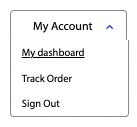
To access your order information, first make sure you are logged in*, then click "My Account" and "My Dashboard" in the top right corner of your screen on pcnametag.com.
*If you are having issues logging in, or need help creating a new account, please click here.
View Your Order Information
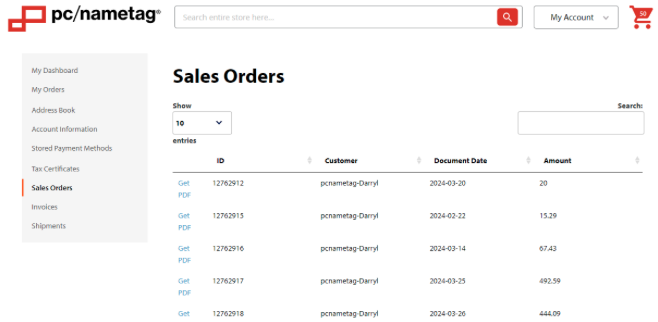
In the sidebar, select the "Sales Orders" tab.
This will display open orders placed through pcnametag.com or via the contact center that are still in progress. Once your order has been invoiced, it will move to the "Invoices" tab.
You can also download order confirmation PDFs from this tab.
View Your Invoices
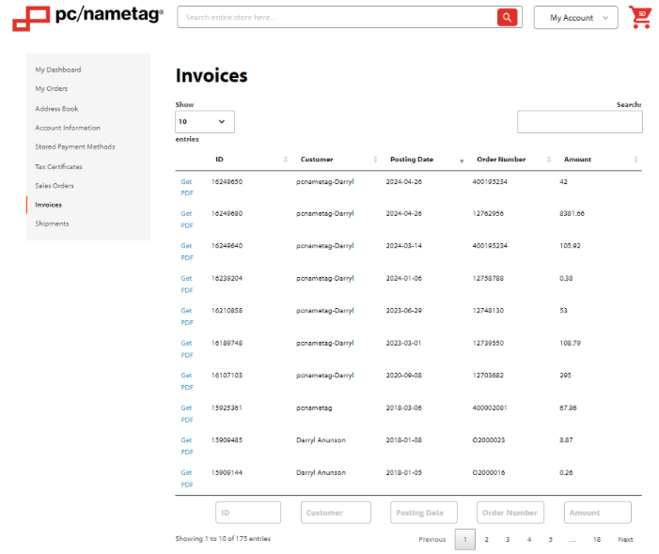
In the sidebar, select the "Invoices" tab.
This tab will display your invoices for orders placed on pcnametag.com or via the contact center.
You can also download your invoice PDFs from this tab.
View Your Shipment Information
In the sidebar, select the "Shipments" tab.
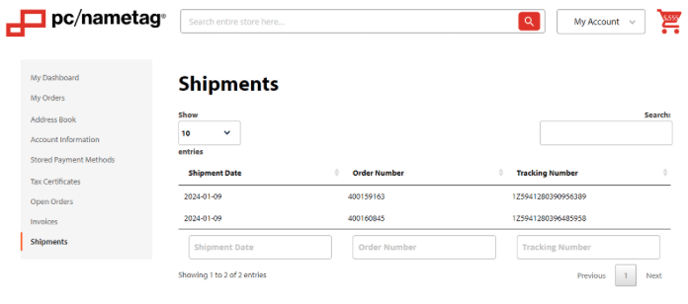
This tab shows shipment information, including tracking numbers and shipment dates, for orders placed on pcnametag.com or via the contact center.
Only shipments that are shipped from our Verona warehouse will be shown here. If you do not see your shipment information, it may have been shipped from another location. Please contact sales@pcnametag.com to get up-to-date information.