![pcnametag-logo-250px.png]](https://support.pcnametag.com/hs-fs/hubfs/pcnametag-logo-250px.png?height=40&name=pcnametag-logo-250px.png)
If you forgot your password or are otherwise having issues with logging in to your account, the best path forward is to reset your password.
Here's how to reset your password:
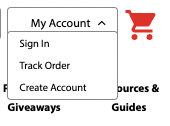
1. Click "My Account" and then "Sign In" in the top right corner of the pc/nametag website, next to the red shopping cart.
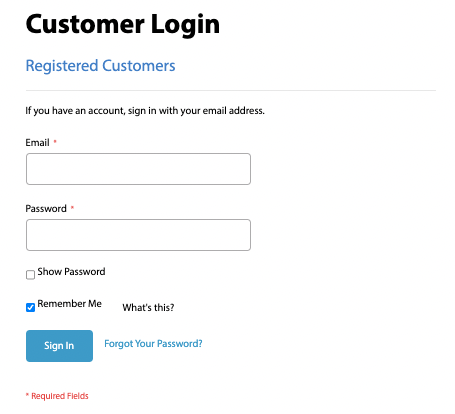
2. Instead of filling in your account details, click "Forgot Your Password?" next to the blue "Sign In" button.
3. On the next page, fill in the email address you used to create your pc/nametag account.
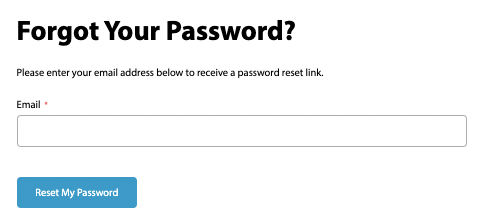
4. If that email address is associated with an account, you will receive an email with instructions on how to reset your password.