![pcnametag-logo-250px.png]](https://support.pcnametag.com/hs-fs/hubfs/pcnametag-logo-250px.png?height=40&name=pcnametag-logo-250px.png)
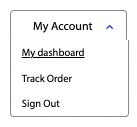
1. To find information about your shipments, first make sure you are logged in, then click "My Account" and "My Dashboard" in the top right corner of your screen on pcnametag.com.
2. From your dashboard, select the "Shipments" tab from the sidebar.
3. This tab shows shipment information, including tracking numbers and shipment dates, for orders placed on pcnametag.com or via the contact center.
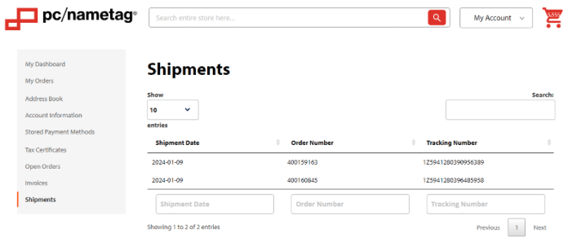
Please note, only shipments that are shipped from our Verona warehouse will be shown here. If you do not see your shipment information, it may have been shipped from another location. Please contact sales@pcnametag.com to get up-to-date information.